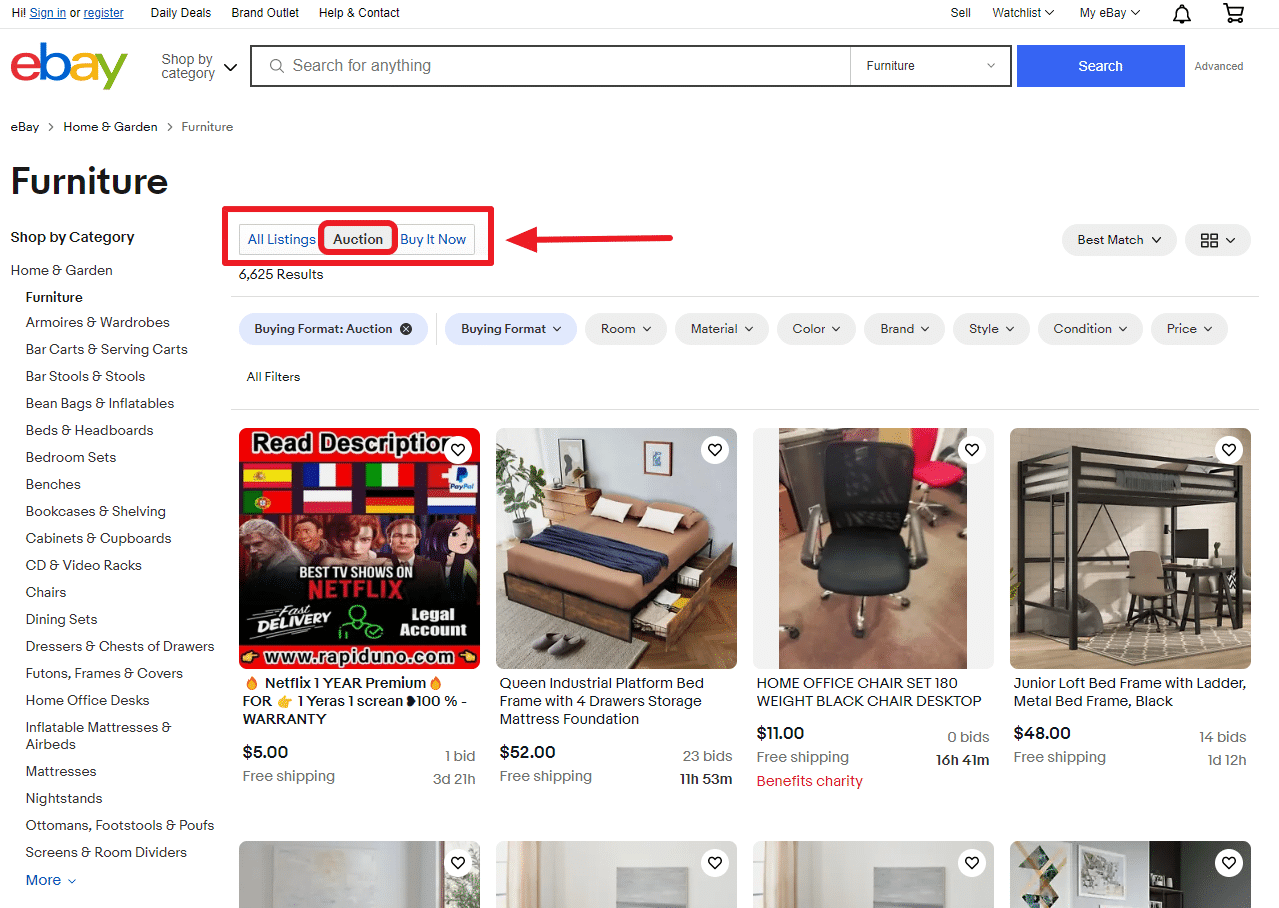
It happens to the best of us. You’re scrolling through eBay late at night, maybe after a glass of wine or just in a dopamine-fueled shopping haze, and you put a bid on a vintage leather jacket. Suddenly, you realize the shipping is $85. Or maybe you noticed a tiny scratch in the third photo that makes the item basically worthless to you. Or, even worse, you accidentally typed $500 instead of $50.00.
Don't panic. You can usually fix this.
But here’s the thing: eBay isn't a playground. When you place a bid, you’re entering a legally binding contract. While "legally binding" sounds like something a scary lawyer in a suit would scream at you, in the world of e-commerce, it mostly just means you’re expected to follow through. If you don't, your account takes a hit.
Learning how to cancel bidding on eBay isn't just about clicking a button and walking away; it’s about understanding the timing, the rules, and the etiquette that keeps your account from getting suspended.
The cold hard truth about bid retractions
eBay doesn't actually call it "canceling." They call it a bid retraction. If you search the help pages, that’s the term you need to look for.
You can’t just retract a bid because you found it cheaper elsewhere. Well, technically you can try, but eBay’s official policy is pretty strict about the "why." They generally only allow it if you made a "typographical error" (the $500 vs $50 thing), if the seller significantly changed the description after you bid, or if you simply cannot reach the seller.
If you just changed your mind? Honestly, eBay says that’s not a valid reason.
The clock is your biggest enemy here. If the listing has more than 12 hours left, you can usually retract all your bids. Easy. But if the auction is ending in less than 12 hours? You’re in a tight spot. In that scenario, you can only retract your most recent bid, and you have to do it within one hour of placing it.
If you’re outside that one-hour window and the auction is ending soon, the "retract" button basically disappears into the void. At that point, your only hope is the seller’s mercy.
Navigating the retraction form
To actually pull the trigger, you have to go to the Bid Retraction page. It’s not prominently displayed on the home screen because eBay doesn't really want people doing this constantly. It hurts their ecosystem.
When you get there, you’ll have to enter the item number. You can find this in the top right corner of the item description or in your "Bids/Offers" section in My eBay.
Then comes the "Reason" dropdown.
- Entered wrong amount: This is the most common one. If you meant to bid $10 and bid $100, this is your path.
- Seller changed the description: Maybe they added a note saying "item is broken" halfway through the week.
- Cannot contact the seller: You tried emailing them about dimensions, and they’ve gone radio silent.
Once you submit, the bid is gone. But—and this is a big but—eBay keeps a record of how many times you do this. If you’re a "serial retractor," eBay’s fraud detection algorithms will flag your account.
I’ve seen buyers get banned from bidding on specific high-value items because their retraction-to-bid ratio was too high. It looks flaky. Sellers hate it because it messes up their auction momentum. If a high bidder retracts at the last second, the second-place bidder might have already moved on to another item, leaving the seller with a "dead" auction.
What if the auction already ended?
This is where it gets spicy. If you won the auction and then realized you can't or won't pay, you aren't retracting a bid anymore. Now, you’re asking for a transaction cancellation.
There is a massive difference.
You have to message the seller immediately. Be humble. Don't make up some wild story about your cat hitting the keyboard. Just say, "Hey, I made a mistake, I’m so sorry, can we cancel this?"
The seller has no obligation to say yes.
If they say no, and you don't pay, they will file an "Unpaid Item" case. This is the black mark of eBay. One unpaid item strike isn't the end of the world, but many sellers set their preferences to automatically block any buyer with two or more strikes in a 12-month period. You’ll find yourself unable to buy anything from the best shops on the site.
The "Bidder Block" and your reputation
Sellers talk. Well, they don't exactly sit in a circle and gossip, but they do use the Blocked Buyer List.
If you cancel bidding on eBay in a way that feels shady or annoying to a seller, they will block you. You won't be able to bid on any of their other items ever again. For niche collectors—say, people who buy rare Pokémon cards or vintage car parts—this is devastating. The community is small. If the top three sellers of what you love have blocked you, your hobby is basically over.
Expert tip: If you realize you bid too much but still want the item, you can retract the bid using the "wrong amount" excuse and then immediately re-bid the correct amount. This shows the seller you aren't trying to flake; you just genuinely messed up the numbers. It keeps the peace.
Why sellers sometimes cancel your bids for you
Sometimes you’re the one who gets canceled.
Sellers have the power to cancel your bid at any time for almost any reason. Maybe you have zero feedback and they’re selling a $2,000 MacBook. They’re scared you’re a scammer. Or maybe they checked your "Feedback Left for Others" and saw that you leave nasty comments for everyone you buy from.
They can go to their "Cancel bids on my listing" tool and wipe you out. If this happens to you, don't take it personally, but do take it as a sign to improve your buyer profile. Buy a few cheap items, pay instantly, and get some positive feedback on your account so you look like a human and not a bot.
Actionable steps for the stressed-out bidder
If you are staring at a bid right now that you regret, follow this exact sequence:
- Check the clock. If there are more than 12 hours left, go straight to the eBay Bid Retraction tool. Fill out the form. You’re done.
- The 12-hour crunch. If it’s under 12 hours, check when you placed the bid. If it was less than an hour ago, retract it now. Do not wait.
- The "Last Resort" message. If you’re stuck (under 12 hours left and bid was placed hours ago), message the seller. Use the "Other" category in the messaging system. Explain that you cannot fulfill the bid. Ask them to cancel it for you. Most sellers would rather cancel a bid now than deal with a non-paying buyer later.
- Offer to pay the fees. If a seller is grumpy about canceling, offer to send them a few dollars via PayPal to cover their listing fees. It’s a gesture of good faith that usually smooths things over.
- Audit your "Watchlist." To prevent this in the future, use the Watchlist instead of bidding early. Most pros don't bid until the last 10 seconds anyway—a practice called "sniping." This gives you the whole week to decide if you actually want the item without committing a single cent.
Managing your bids is mostly about communication. The "Cancel" button is a mechanical fix, but a polite message to the seller is a human one. Usually, the human one works better.
Next steps for your eBay account:
Check your current feedback profile to see if any past retractions have been noted by sellers. You can also review your "Active Bids" section once a week to ensure you haven't accidentally left a "proxy bid" (a maximum bid) on an item you no longer want. If you find one, retract it while the 12-hour window is still open.